
Create ID photos from LINE
Machi Photos Official LINE
Machi Photos official account @240jybev
Add Machi Photos on LINE, then send or shoot a photo in the chat. The photo opens in the LIFF mini app so you can adjust the ID-photo size, face position, and print layout.
- Official account
- Machi Photos / @240jybev
- LIFF app
- line.machiphotos.com
- Chat actions
- Send a photo or take one in LINE
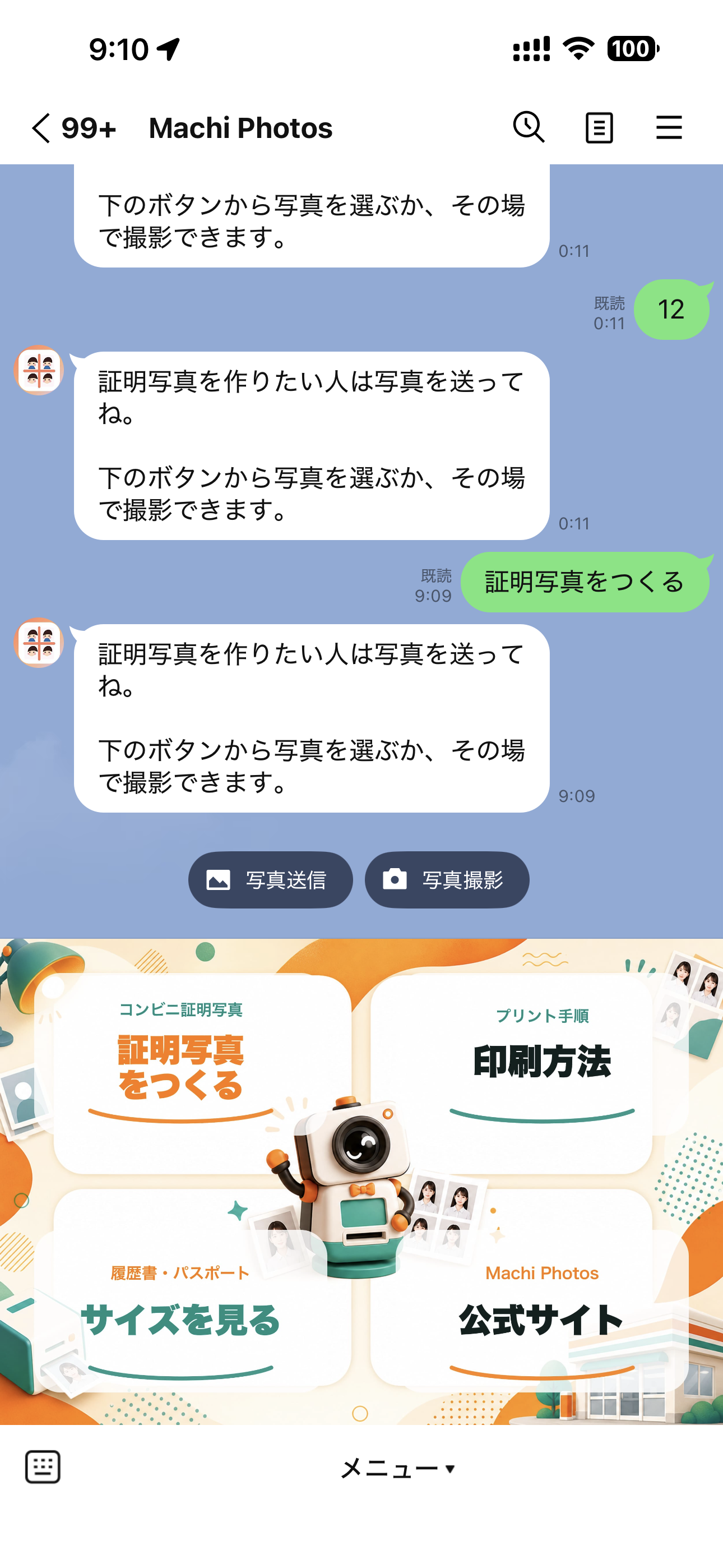
How it works from LINE
Add the LINE account- Add the accountAdd the official Machi Photos account (@240jybev).
- Send a photoTap the rich menu item and choose photo upload or camera capture.
- Adjust in LIFFOpen the photo in the mini app and check size, face position, background, and print preview.
- Print at a storeUse the issued print number at a supported convenience-store copy machine.
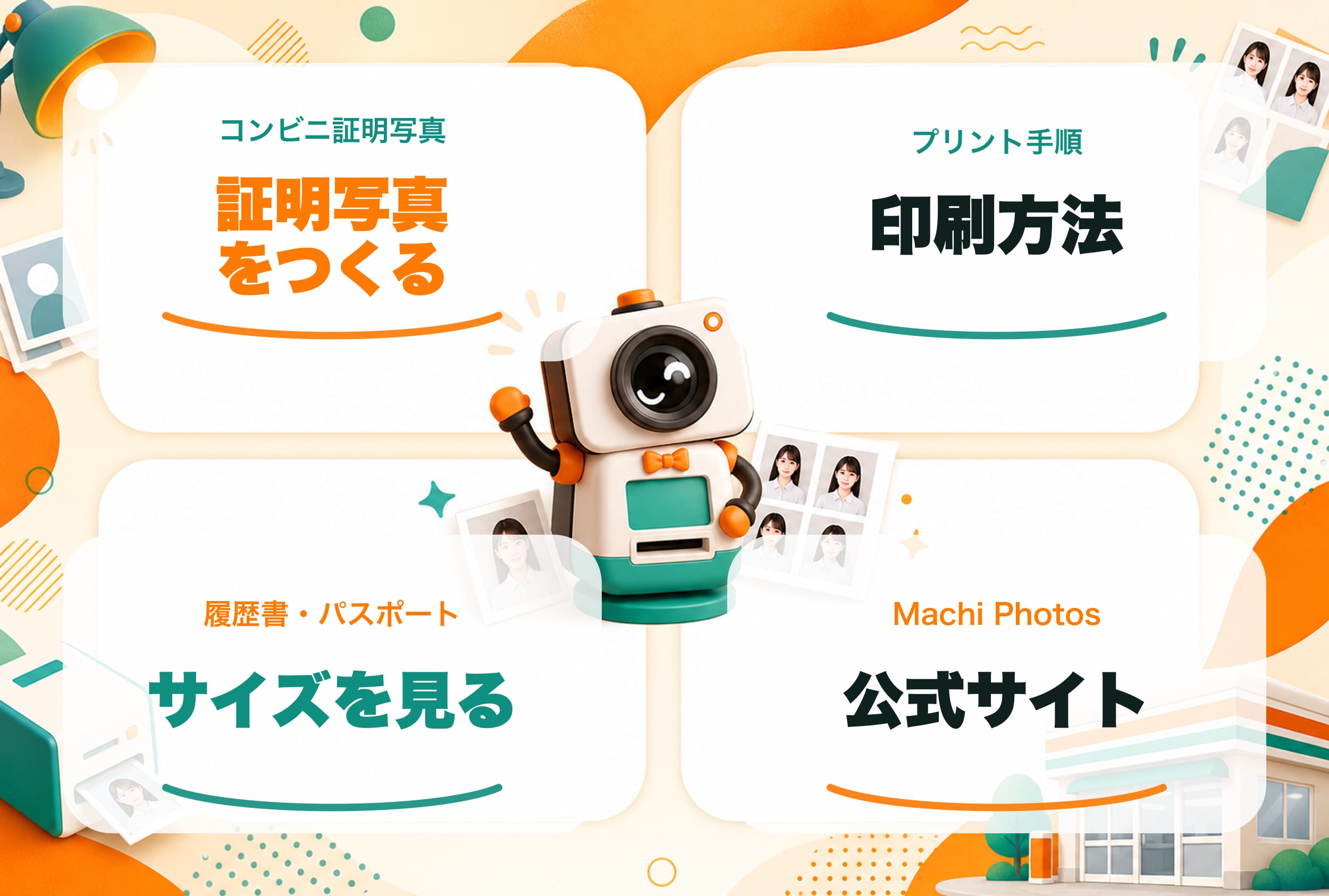
Rich menu shortcuts
Create ID photoStart photo upload or camera capture
Print guideSee convenience-store print steps
Size guideCheck resume, passport, and application sizes
Official siteOpen the Machi Photos web app
Built from the real account
- The page reflects the actual account name, chat prompt, and rich menu shown in LINE.
- Images are handed to LIFF with a short-lived token instead of exposing the storage object.